Migration planning
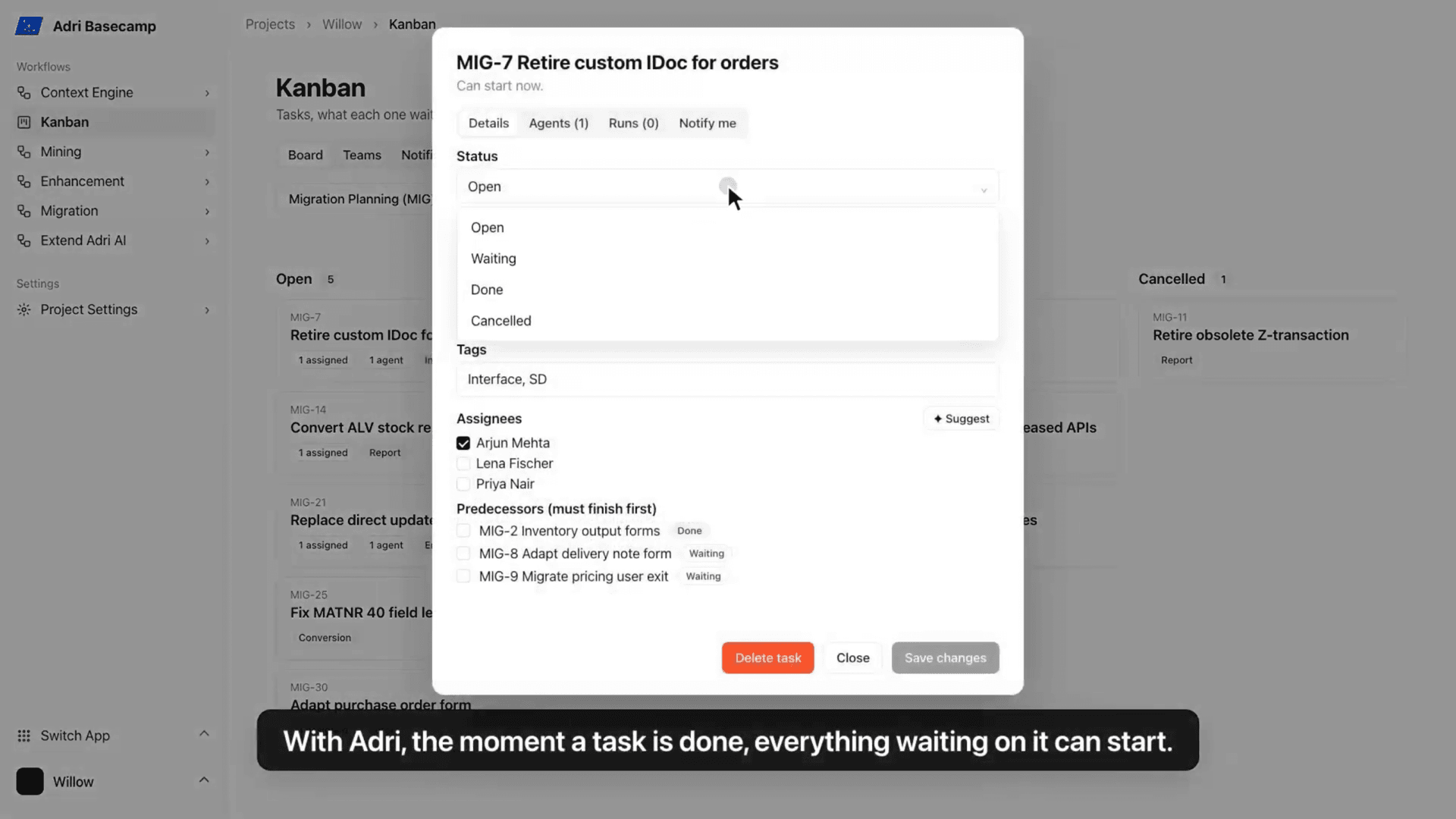
Relay: when a task is done, the people waiting on it hear about it on Teams or email
Full walkthroughWatch

Marcus, an accounts-payable lead, asks a fit-gap agent how invoice blocking changes when his company adopts the group template. The agent reads the context engine, template library, config register and tickets, and answers with the before, the after and the one real difference.
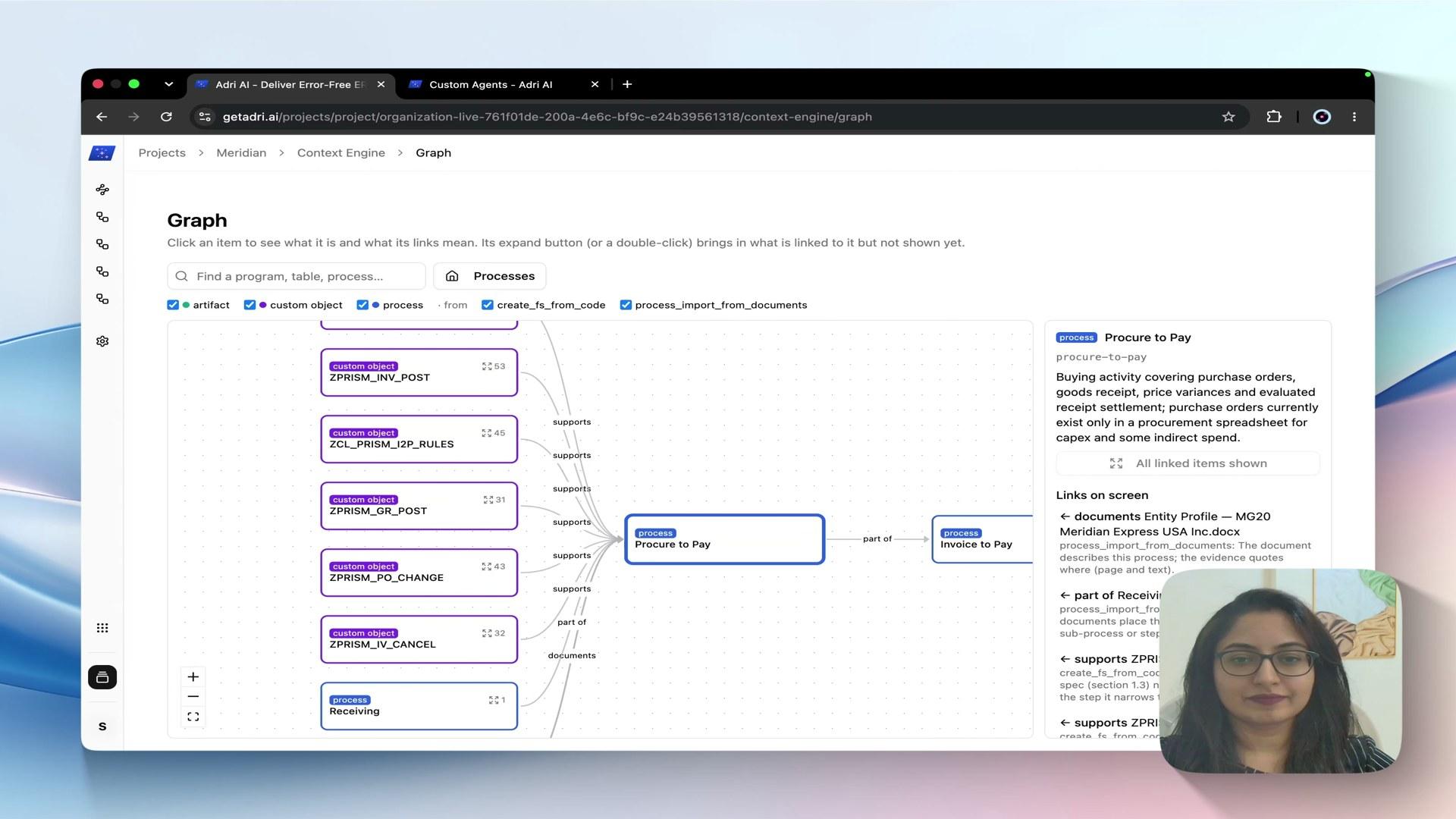
The second walkthrough in the context-engine series. A finance user, not a consultant, gets a precise answer about what a template rollout changes for him.
The setup
Marcus is the accounts-payable lead at a local company (MG20) inside a larger group (MG10). The group's standard template, run under a transformation program called PRISM+, is being adopted at his company. His first question: how will my daily work change?
What you'll see
Why it matters
The answer is specific to his company's configuration and his own tickets, assembled in one run. The next walkthrough shows a platform lead verifying the template configuration in the SAP system with the same agent, in its Verify in SAP mode.
0:00 Hi everyone. In the last video, I showed you the Adri context engine and how it connects business processes in SAP to the custom code and configuration behind them. Today, let's look at how an agent uses that context to help a finance user understand what will change during an SAP template rollout.
0:20 So, let's take the example of Marcus, who is the accounts payable lead at a local company within a larger group. The group has a standard template that is being adopted in his local company. So one of the first questions he has is: how will his daily work change?
0:38 So he comes to this agent and enables two modes: Learn Template Process mode and Track Fit-Gap Process mode.
0:54 So he has a question about invoice blocks.
0:59 To answer his question about invoice blocks, the agent looks at the following sources: the context engine, the template documentation, the configuration register that contains the documented template settings and compares the local company settings with the group's, and the ticketing system.
1:27 By the way, PRISM is the name of this transformation program in this company. That's why you see the prefix PRISM everywhere.
1:37 So, as the run completes, Marcus learns a few things about how invoice block would change after this template rollout. Firstly, he learns how invoice blocking happens currently, how it would happen after this rollout, and what the change looks like.
2:00 He also learns how the settings are different between his group, which is called MG10, and his local company, which is called MG20.
2:10 And also what are the active tickets about this process. So at the end he gets to know about the invoice block process and the changes that are happening because of this rollout.
2:24 So this is one way to use the context engine during a template rollout. In the next video, we'll see how a platform lead can verify the template configuration in the SAP system using this agent. Thank you.
Walk through the same workflow against your landscape in a 30-minute demo.
We would love to help you in making your SAP project a success!